Instagram Photo Downloader
The instagram photo downloader lets you save public Instagram images to your device without signing in. Paste a public post URL, preview the image, and download it in JPEG format. Only public Instagram content can be downloaded; this tool does not access private accounts.
Supports Reel · Post · Image · Carousel
- Photos & videos
- Original quality
- No login needed
JazzGhost is not affiliated with Instagram™ or Meta. We don't host any Instagram content — all rights belong to their owners. Only public content can be accessed.
JazzGhost is free and needs no account and no sign-up. A fair daily limit per visitor keeps the service quick for everyone.
What is an Instagram Post Downloader?
An Instagram Post Downloader is a web tool that saves the photos and videos inside a public Instagram post to your own device. A post can hold a single photo, a single video, or a mix of both, and the tool handles all three.
JazzGhost accepts any public post link and returns every file it contains at the highest resolution Instagram serves, without re-compressing the image and without adding a watermark.
Supported file formats
An Instagram Post Downloader is a web tool that saves the media inside a public Instagram post to your device. Instagram has no save button for someone else's post, so a downloader is the simplest way to keep a copy.
JazzGhost accepts any public post link and lists every file inside it. A single photo comes back as one JPG; a post with several photos and videos gives you each file separately, at the highest resolution Instagram serves and without a watermark.
How to download a photo
You can save a public post — photo, video, or a post that mixes both — in three steps. The tool also handles posts with several images and gives you every file.
- 1
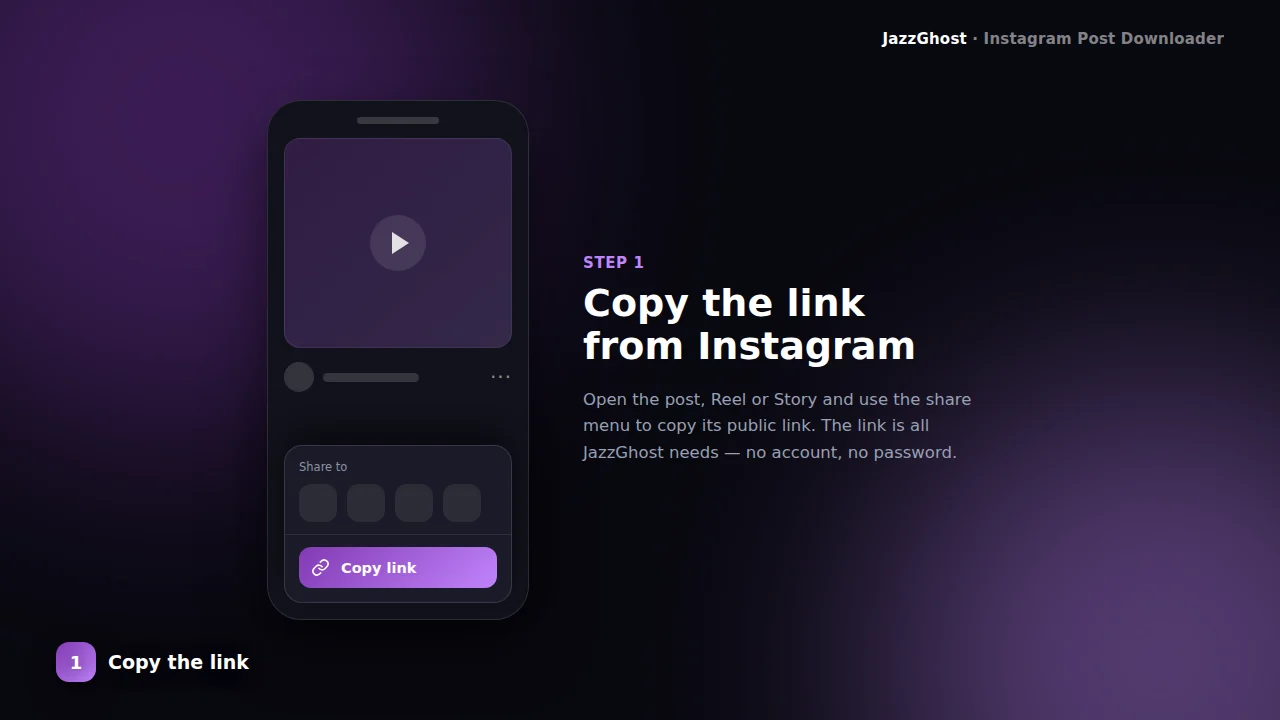
Copy the post URL
On Instagram, open the post and copy its link. It should look like instagram.com/p/SHORTCODE/.
- 2
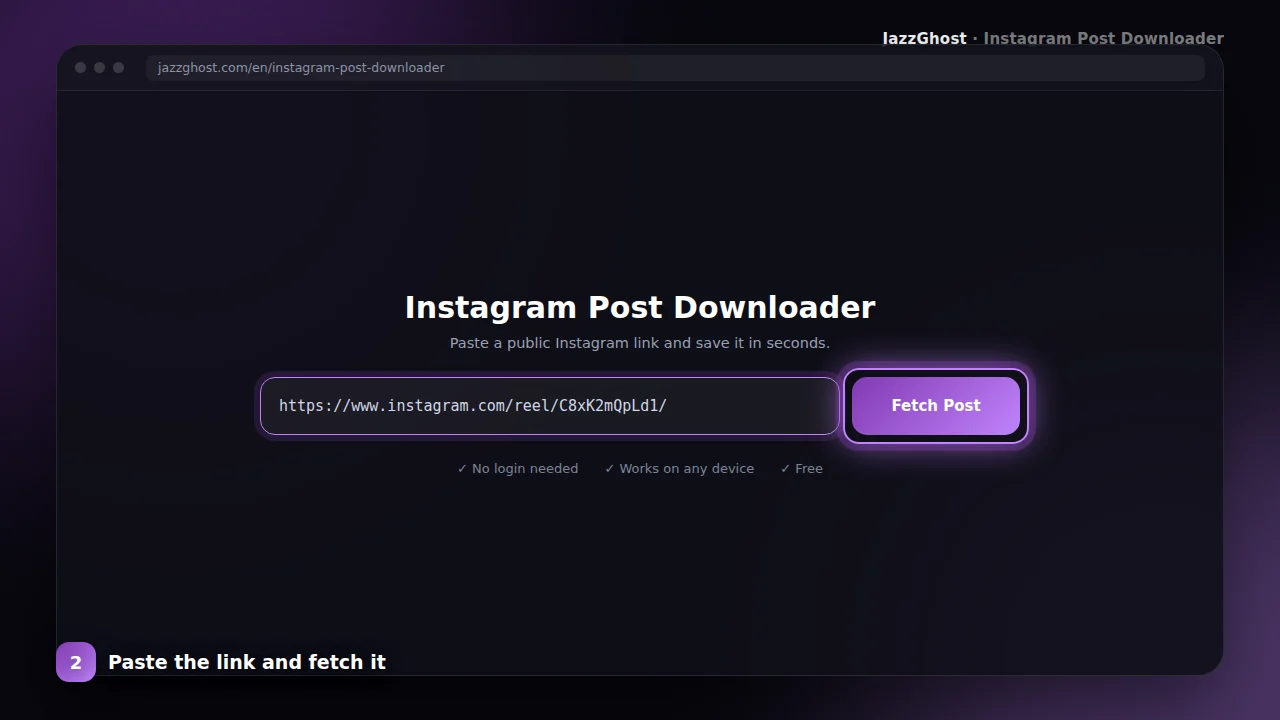
Paste and preview
Paste the URL above and fetch a preview. Confirm the thumbnail matches the post you want.
- 3
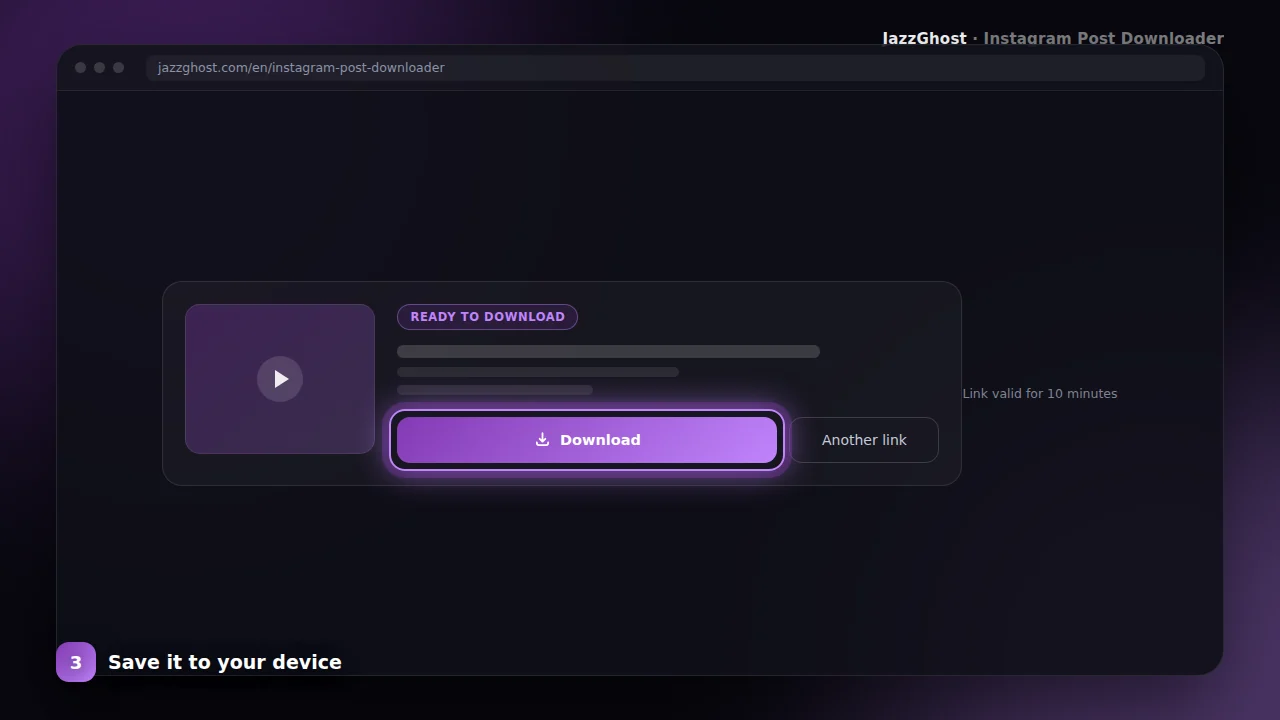
Save the file
Download the image or video to your device. For multi-slide albums, use the Carousel Downloader.
Using post URLs
Save Instagram photos to your iPhone gallery
- 1Copy the post link in Instagram: tap ⋯ → Copy Link.
- 2Paste it into JazzGhost and tap Fetch Post.
- 3Tap Download, then open the Files app and use Share → Save Image to put the photo in Photos.
Download Instagram photos on Android
- 1Copy the link to the post.
- 2Paste it into JazzGhost and fetch the post to preview it.
- 3Tap Download. The image is saved to Downloads and normally appears in your gallery immediately.
Download an Instagram post on PC
- 1Open the post in a browser and copy its address.
- 2Paste the URL into JazzGhost and fetch the post.
- 3Tap Download and pick a folder. Photos arrive as JPG, videos as MP4.
Save a post that has several photos
- 1Copy the link of the multi-photo post.
- 2Paste it in and fetch — JazzGhost lists every image and video in the post.
- 3Download the file you want, or save the whole set in one ZIP archive.
Privacy and content limits
Photo & video posts
Handles both still images and single-video posts from public profiles.
Original-quality save
We request the highest available candidate so your download stays crisp.
Fast preview
Metadata loads quickly so you can verify the post before using a download slot.
No install
Runs in the browser — paste, preview, download.
What you cannot download
A few situations are outside what any link-based tool can do, and it is better to know them before you paste a link:
- Posts from private accounts. Their content is visible only to approved followers, and we do not try to work around that.
- Deleted posts. Once the post is gone the link no longer resolves.
- Whole-profile archives. Saving every post of an account at once is not supported.
- Media Instagram removed for a copyright or policy complaint, which it no longer serves.
Downloader, app, or browser extension?
Each option trades convenience against what it installs or asks to access:
| Option | Verdict | Detail |
|---|---|---|
| JazzGhost (browser downloader) | Nothing to install | Runs in any browser, needs no account and is free. The trade-off is pasting a link instead of tapping a button inside Instagram. |
| Instagram's own app | No save button | You can save your own posts, but there is no way to keep someone else's post from inside the app. |
| Browser extension | One-click, needs access | Adds a download button to Instagram itself, which is handier - but it installs software, is usually desktop-only, and often requests permission to read the pages you visit. |
Runs in any browser, needs no account and is free. The trade-off is pasting a link instead of tapping a button inside Instagram.
You can save your own posts, but there is no way to keep someone else's post from inside the app.
Adds a download button to Instagram itself, which is handier - but it installs software, is usually desktop-only, and often requests permission to read the pages you visit.
Troubleshooting download issues
JazzGhost never asks for your Instagram account and never posts anything on your behalf. The post is read by our server, not by your logged-in session.
Only public posts can be read. If an account is private you will get a clear message instead of a partial result, and we do not keep the files you download.
Frequently asked questions
The Instagram Post Downloader on JazzGhost targets single /p/ posts — the everyday photos and videos people share in the feed. It is ideal when you need one clear file, not a whole album.
If the post is a carousel (multiple slides), switch to our Carousel Downloader so every slide is packed correctly. This page keeps messaging and validation focused on single posts.
Use it for mood boards, references, archives, or offline viewing — always respecting creators’ rights and Instagram’s terms for personal use.
Post downloader FAQ
My link has multiple photos — why?
That is a carousel. Use the Instagram Carousel Downloader to save every slide (often as a ZIP).
Can I download posts from private accounts?
No. Only publicly visible posts can be fetched.
Does this remove the caption?
The media file is saved separately. To copy caption text, use the Instagram Caption Downloader.
What quality are downloaded Instagram photos?
You get the largest version Instagram serves for that post — typically 1080 pixels wide for a standard photo. JazzGhost does not re-compress or resize the file.
Can I save an Instagram photo without taking a screenshot?
Yes, and it is better than a screenshot. A screenshot captures your screen including the interface and loses quality; downloading gives you the original image file on its own.
Where are downloaded Instagram photos saved?
Wherever your browser puts downloads. On Windows and Mac that is the Downloads folder; on Android your gallery usually picks the file up; on iPhone it lands in the Files app.
Can I save someone else's Instagram post?
You can save any public post for personal use. Republishing it, or using it commercially, needs the permission of the person who created it.
Is the Instagram Post Downloader free?
Yes, JazzGhost is completely free and needs no account. To keep the service fast for everyone there is a fair daily limit per visitor.