Instagram Carousel Downloader
The instagram carousel downloader lets you save images and videos from public multi-photo Instagram posts. Enter a post URL to select and download items from the carousel. Only public content can be downloaded; private accounts are not accessible. Files can be saved for personal offline viewing and backup.
Supports Reel · Post · Image · Carousel
- Every slide
- Pick or save all
- No login needed
JazzGhost is not affiliated with Instagram™ or Meta. We don't host any Instagram content — all rights belong to their owners. Only public content can be accessed.
JazzGhost is completely free, with no account and no sign-up. A fair daily limit per visitor keeps it fast for everyone.
What is an Instagram Carousel Downloader?
An Instagram Carousel Downloader is a tool that saves every slide of a swipeable Instagram post to your device - all the photos and videos a carousel contains. Instagram shows one slide at a time and offers no way to keep them.
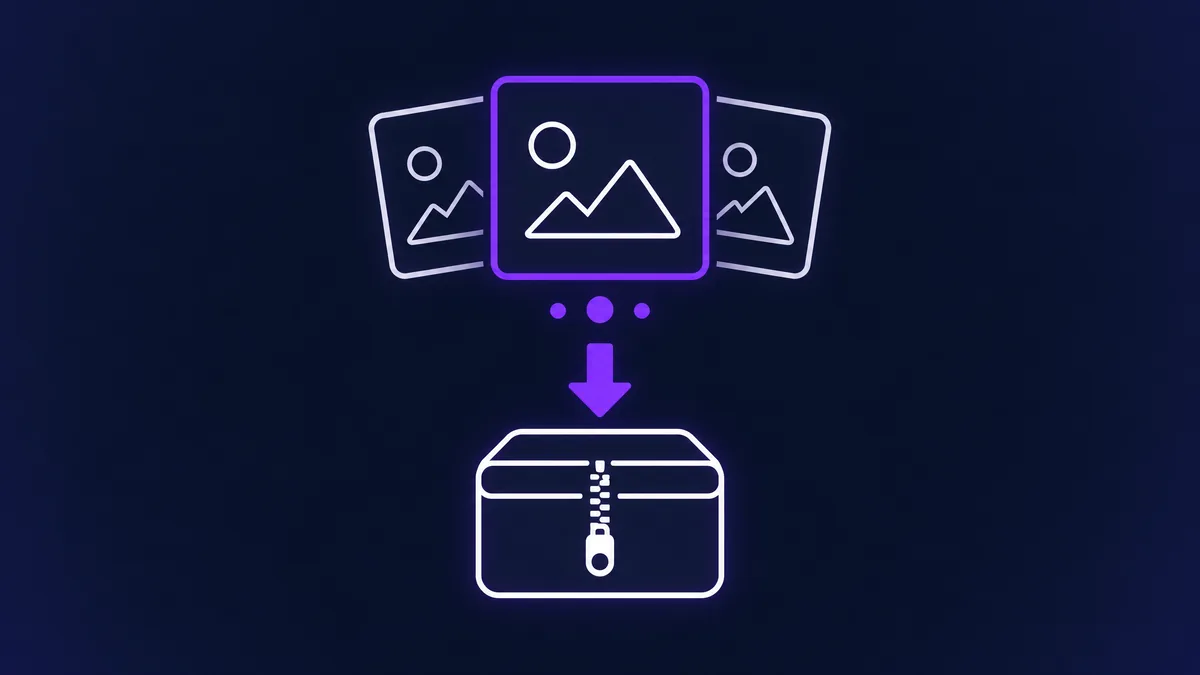
JazzGhost lists each slide with its own preview and download button, and can bundle the full set into a single ZIP archive. Photos come back as JPG and videos as MP4, at the resolution Instagram serves.
Supported media types
An Instagram Carousel Downloader is a tool that saves all the slides of a swipeable Instagram post. Instagram shows carousels one slide at a time and offers no way to keep them, so a downloader is the only practical option.
JazzGhost lists each slide separately with its own preview and download button, and can also bundle the whole set into one ZIP archive. Photos come back as JPG and videos as MP4, in the resolution Instagram serves.
How to download a carousel
A carousel post holds several photos and videos. JazzGhost shows you every slide at once so you can take one, a few, or all of them together.
- 1
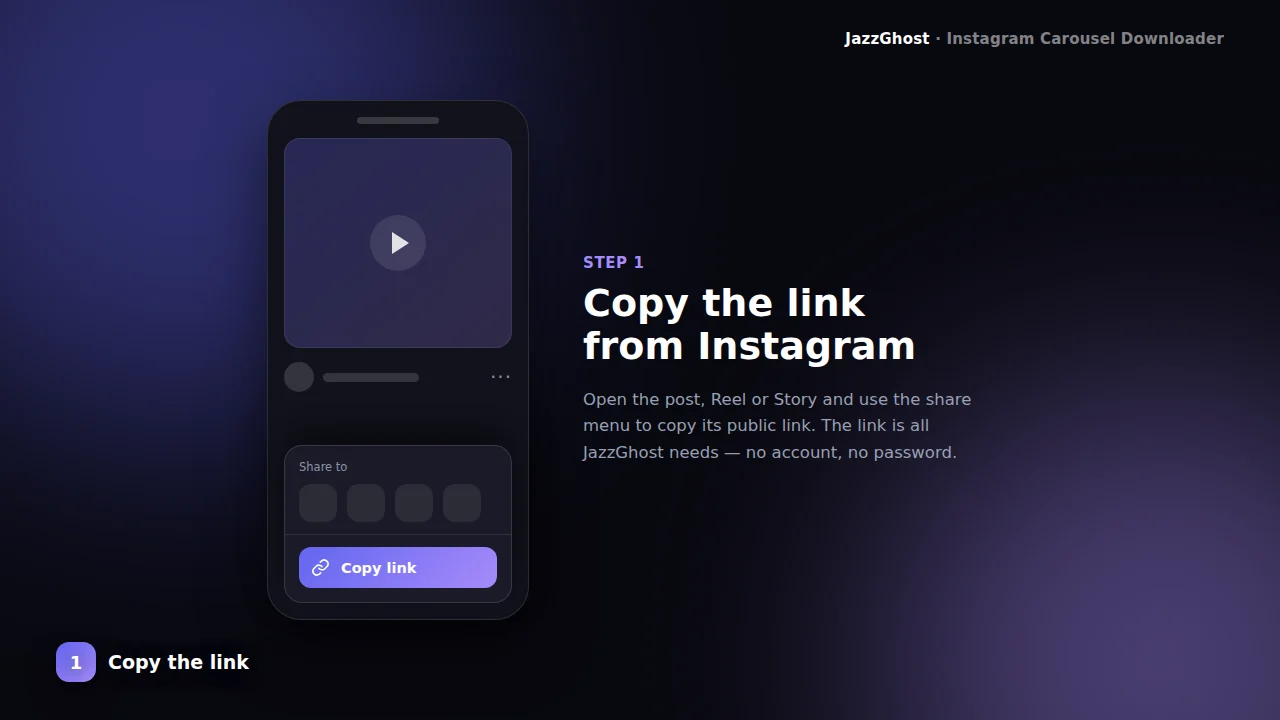
Open the carousel post
Find the swipeable album on Instagram and copy its /p/ link from Share → Copy Link.
- 2
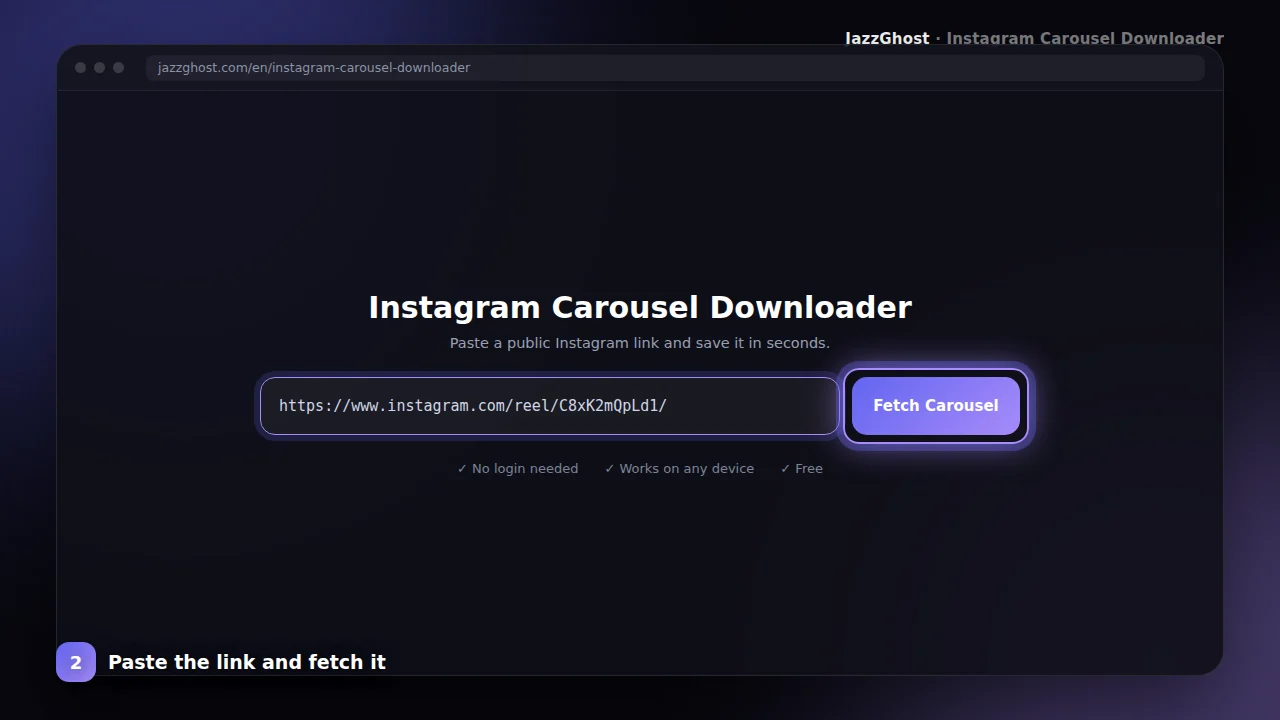
Paste into JazzGhost
Paste the link above. We detect all slides and show a preview before downloading.
- 3
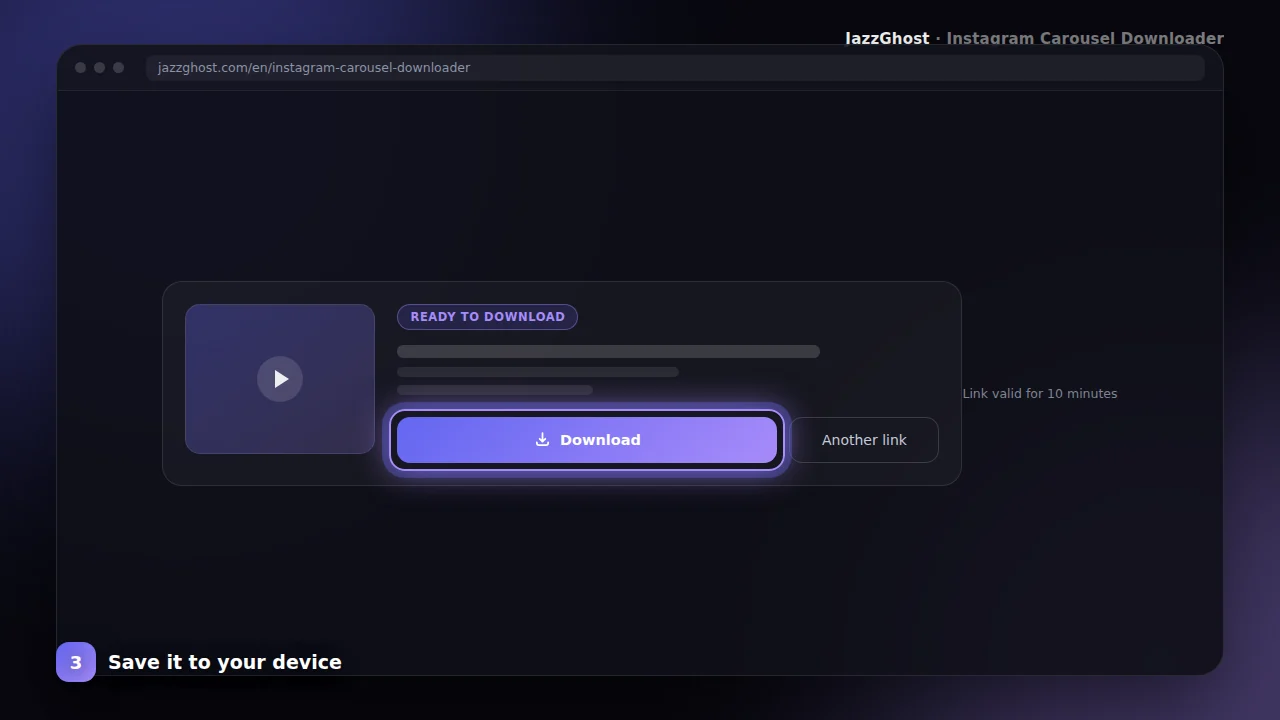
Download all slides
Save the full set — typically as a ZIP with every image and video from the album.
Limitations and privacy
Download only some slides
- 1Paste the carousel link and fetch the post.
- 2JazzGhost lists every slide with a preview.
- 3Tap the download button on the slides you want and skip the rest.
Download all slides as a ZIP
- 1Fetch the carousel post so every slide is listed.
- 2Choose the option to download the whole set.
- 3You get one ZIP file containing every photo and video in the post, ready to unzip anywhere.
Save a carousel on iPhone
- 1Copy the post link and open JazzGhost in Safari.
- 2Fetch the post and tap the slide you want.
- 3Save from the Files app to Photos with Share → Save Image or Save Video.
Save and organize files
All slides
Detects carousel_media and packs every item, not just the cover.
Mixed media
Supports albums that mix photos and videos in one post.
ZIP packaging
Multi-slide downloads are delivered as a convenient archive when needed.
Clear intent
This page is only about carousels — less confusion than all-in-one downloaders.
What you cannot download
Carousels have a few hard edges worth knowing before you paste a link:
- Carousels from private accounts. They are visible only to approved followers, and we do not attempt to get around that.
- More than 20 slides. Instagram caps a carousel at 20 items, so a post can never hold more.
- Deleted or archived carousels. Once the post is gone the link stops resolving.
- Slides Instagram itself fails to serve, such as media removed after a rights complaint.
Downloader, app, or browser extension?
Saving a ten-slide carousel is exactly where these three options differ most:
| Option | Verdict | Detail |
|---|---|---|
| JazzGhost (browser downloader) | Every slide at once | Lists all slides, lets you take one or the whole set, and can zip them together. Free, no account, nothing installed. |
| Instagram's own app | No save button | You can keep your own carousel as a draft, but not someone else's post, and never one slide at a time. |
| Browser extension | One click per slide | Convenient for a single image, but saving a full carousel usually means several clicks, and it installs software with broad page access. |
Lists all slides, lets you take one or the whole set, and can zip them together. Free, no account, nothing installed.
You can keep your own carousel as a draft, but not someone else's post, and never one slide at a time.
Convenient for a single image, but saving a full carousel usually means several clicks, and it installs software with broad page access.
Troubleshooting common issues
JazzGhost never uses your Instagram account, so nothing about the download is tied to your profile. The slides are fetched by our server.
Only public carousels are supported. Private accounts cannot be read, and the files you download are not kept on our side.
Frequently asked questions
Carousel posts pack several photos or videos into one share. JazzGhost’s Carousel Downloader is built for those albums — not single-frame posts — so you do not miss slides.
Creators use carousels for tutorials, lookbooks, and before/after sets. Archiving the full set offline is much easier when the tool understands multi-media posts.
If you only need one photo from an album, you can still download the package and keep the slide you need.
Carousel downloader FAQ
Why did I only get one file?
The post may be a single image/video. Use the Post Downloader for single media, or confirm the album has multiple slides.
Are Stories included?
No. Use the Story or Highlight downloaders for ephemeral or highlight media.
How many slides can I download?
Up to 20, which is Instagram's own limit for a carousel post. Every slide in the post is listed, so you always see the full set.
Can I download just one slide from a carousel?
Yes. Each slide has its own download button, so you can take exactly one image or video and ignore the rest.
Are videos inside a carousel supported?
Yes. Carousels can mix photos and videos, and JazzGhost handles both. Videos are saved as MP4, photos as JPG.
What is inside the ZIP file?
One file per slide, numbered in the order they appear in the post. Photos are JPG and videos are MP4, so the archive opens on any phone or computer.
Can I download carousels from private accounts?
No. JazzGhost works with public posts only. A private carousel cannot be read, and we do not try to work around that.
Is the Carousel Downloader free?
Yes, it is completely free and needs no sign-up. A fair daily limit per visitor keeps the service fast for everyone.