Instagram Bio Viewer
The instagram profile picture download tool lets you save a public user's profile photo by entering their username. Use this simple, privacy-respecting utility to preview and download a single public profile image for offline viewing; private accounts are not supported and only public content can be retrieved.
Public usernames only · no password required
- Copy in one tap
- Profile photo & stats
- No login needed
JazzGhost is not affiliated with Instagram™ or Meta. We don't host any Instagram content — all rights belong to their owners. Only public content can be accessed.
JazzGhost is free and needs no account and no sign-up. A fair daily limit per visitor keeps it quick for everyone.
What is an Instagram Bio Viewer?
An Instagram Bio Viewer is a tool that shows the public text of a profile - the bio, the display name, the website link and the follower counts - so you can read and copy it without opening the app.
Type a username and JazzGhost returns the public profile information together with the profile picture at full size. The bio text can be copied in one tap, which is useful for research, outreach lists or quoting an account accurately.
Which profiles are supported
An Instagram Bio Viewer is a tool that displays the public text of a profile — the bio, the display name, the website link and the follower counts — so you can read and copy it without opening the app.
JazzGhost takes a username and returns the public profile information together with the profile picture at full size. You can copy the bio text in one tap, which is useful for research, outreach lists or quoting an account accurately.
How to download a profile picture
Type a username and JazzGhost shows the public profile text so you can copy it. No login, no app, and nothing is posted to your account.
- 1
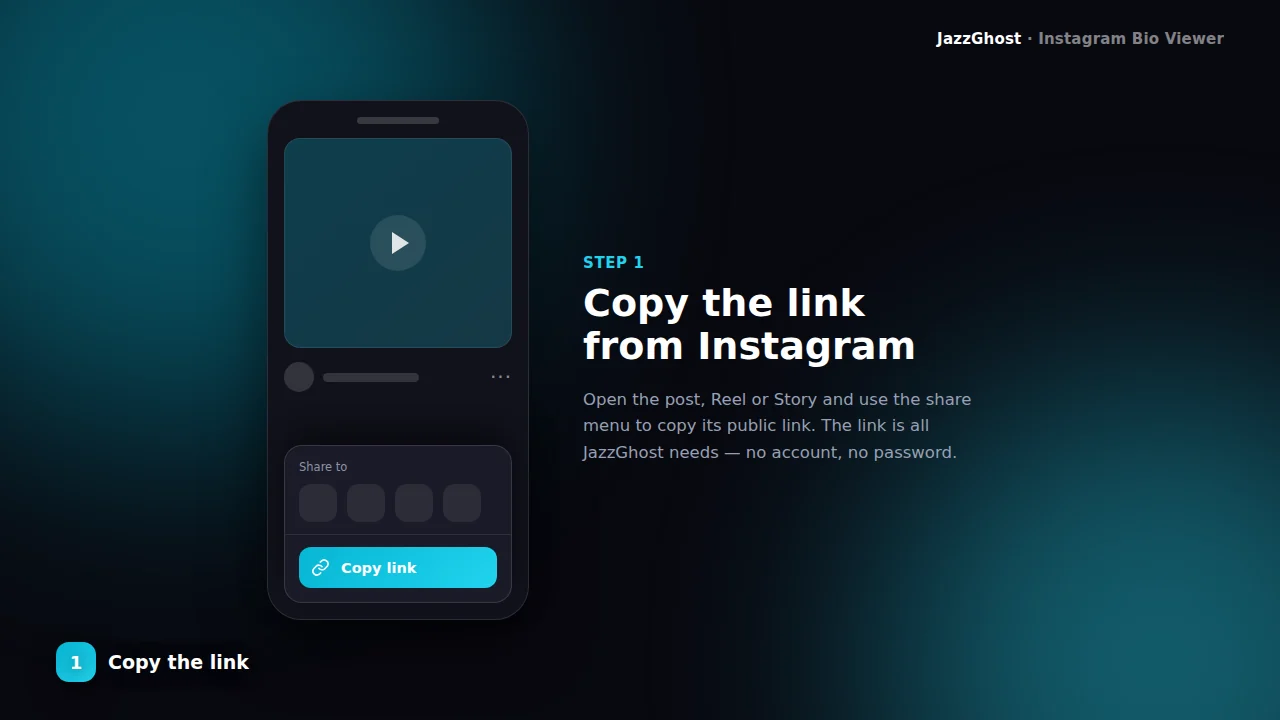
Enter the username
Type a public Instagram handle (without @). Example: natgeo — not a private account.
- 2
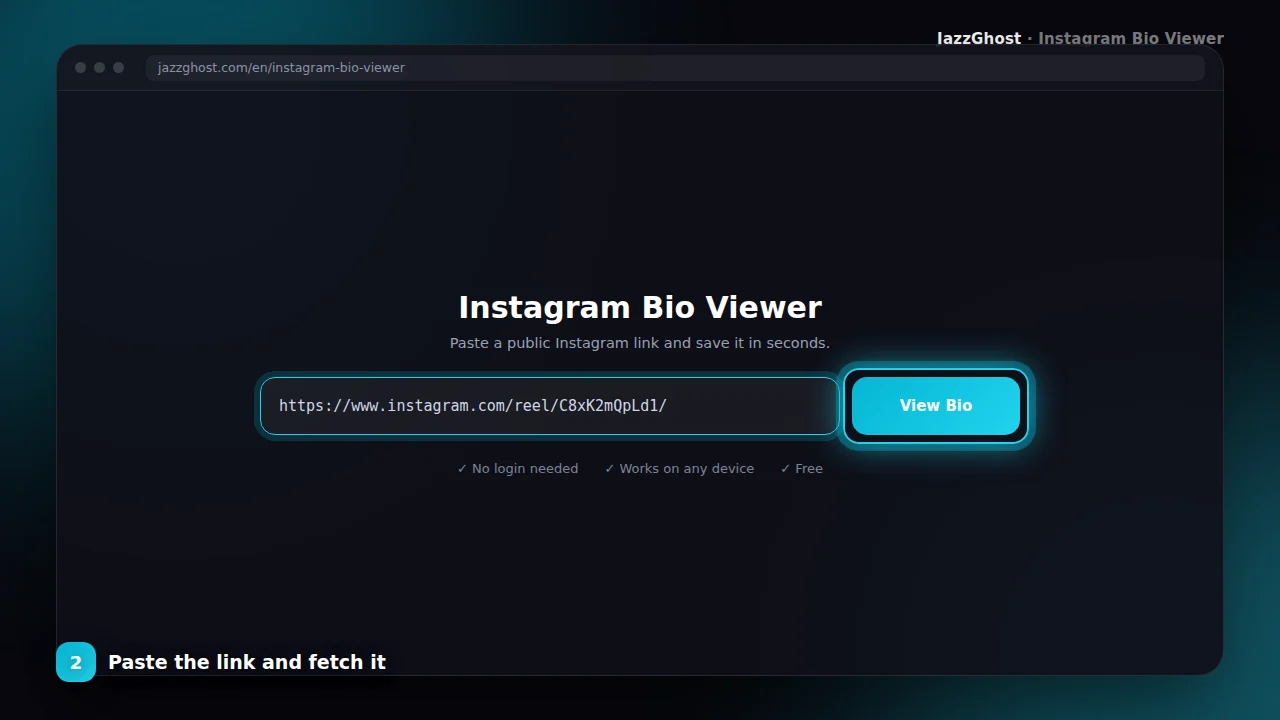
Fetch profile info
JazzGhost loads the public bio, full name, follower counts, and avatar when available.
- 3
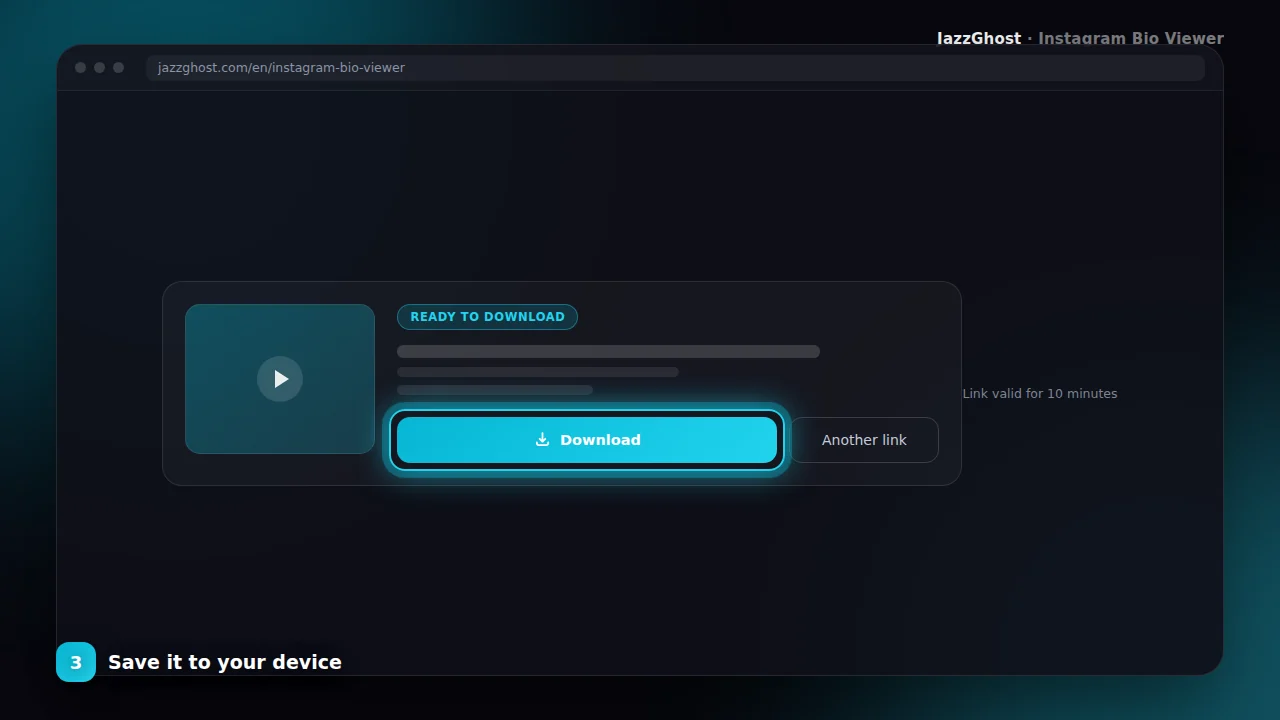
Copy what you need
Use the Copy button to paste the bio into notes, CRM fields, or research docs.
File formats and saving
Copy an Instagram bio on iPhone
- 1Open JazzGhost in Safari and type the username without the @.
- 2Tap View Bio to load the public profile.
- 3Tap Copy Bio and the text goes to your clipboard, ready to paste anywhere.
Copy the link in someone's bio
- 1Enter the username and load the profile.
- 2The external website link is listed with the rest of the profile information.
- 3Copy it directly instead of retyping a long URL from a screenshot.
Get a profile picture in full size
- 1Enter the username and load the profile.
- 2JazzGhost shows the profile picture at the highest resolution Instagram serves.
- 3Save it to your device — much sharper than a cropped screenshot of the avatar.
Collect bios for research or outreach
- 1Look up each username you are interested in.
- 2Copy the bio, the link and the follower count for each one.
- 3Paste the details into your own document or spreadsheet.
Privacy and data handling
Bio text
Full public biography string ready to copy.
Display name
The profile’s full name field when Instagram exposes it.
Public stats
Follower, following, and post counts for quick research.
Avatar URL
Profile picture reference when returned by the public API.
What you cannot see
This tool reads what a profile publishes publicly, and nothing beyond that:
- Private profiles. Their bio, follower count and posts are visible only to approved followers.
- Follower or following lists. Instagram does not publish these, and we do not attempt to obtain them.
- Profile history. We show the profile as it is now, not how it looked at some earlier date.
- Contact details that are not published in the bio, such as a private email address or phone number.
Viewer, app, or browser extension?
Reading and copying public profile text is a small task, and these options differ mainly in what they install:
| Option | Verdict | Detail |
|---|---|---|
| JazzGhost (browser viewer) | Reads and copies | Shows the public bio as clean, copyable text, plus the profile picture at full size. Free, no account, nothing installed. |
| Instagram's own app | No copy button | The profile is visible, but the bio cannot be selected or copied, so you end up retyping it by hand. |
| Browser extension | Adds a copy button | Inserts copy functionality into Instagram, which is convenient - but it installs software and usually needs permission to read the pages you visit. |
Shows the public bio as clean, copyable text, plus the profile picture at full size. Free, no account, nothing installed.
The profile is visible, but the bio cannot be selected or copied, so you end up retyping it by hand.
Inserts copy functionality into Instagram, which is convenient - but it installs software and usually needs permission to read the pages you visit.
Common issues and fixes
JazzGhost never asks for your Instagram login, so looking up a profile does not connect the visit to your account. The profile is read by our server.
Only public profiles can be viewed. A private account returns a clear message instead of partial data, and we do not store the bios you look up.
Contact and support
The Instagram Bio Downloader helps marketers, journalists, and creators quickly read public profile bios without opening the Instagram app. Enter a username and copy the text you need.
This tool only reads publicly available profile information. It cannot access private accounts, DMs, or login-protected data.
Pair it with our Caption Downloader when you need post text instead of profile bio text.
Bio tool FAQ
Can I get bios from private accounts?
No. Private profiles are not available through this tool.
Do I need the person’s password?
Absolutely not. Only public usernames are accepted.
Why can't I copy a bio inside the Instagram app?
Instagram does not offer a copy action on profile bios, so the only options in the app are retyping the text or taking a screenshot. A viewer gives you the plain text instead.
Does it show follower and post counts?
Yes. The public profile response includes followers, following and post counts alongside the bio, the display name and the external link.
Can I download the profile picture?
Yes. JazzGhost shows the profile picture at the largest size Instagram serves, so you can save a clean copy instead of a cropped screenshot.
Will the person know I looked at their profile?
We never use your Instagram account, so the visit is not connected to your profile. The lookup happens on our server, not from your logged-in session.
Why does a username show no result?
The account may be private, deleted, or spelled differently. Check the spelling, remove the @ symbol, and remember that private accounts cannot be read.
Is the Bio Viewer free?
Yes, it is completely free and needs no account. A fair daily limit per visitor keeps the service fast for everyone.