Instagram Audio Save
The instagram audio save tool lets you extract audio from public Instagram posts and save the track to your device. Paste a post URL, preview the clip, and download an MP3 file for offline listening. Only public content can be downloaded; do not use this for private or restricted material.
Supports Reel · Post · Image · Carousel
- Real MP3 output
- Original quality
- No app to install
JazzGhost is not affiliated with Instagram™ or Meta. We don't host any Instagram content — all rights belong to their owners. Only public content can be accessed.
JazzGhost is free and needs no account and no sign-up. A fair daily limit per visitor keeps it quick for everyone.
What is an Instagram Audio Downloader?
An Instagram Audio Downloader is a tool that saves the sound of a public Reel or video as an audio file, without the picture. It is useful when the audio itself is what you want to keep - a voice-over, a song snippet, a quote.
Paste the link and JazzGhost reads the video stream, extracts its audio track and converts it to a standard MP3. You get a single audio file that plays in any music player, editor or messaging app, with no video attached.
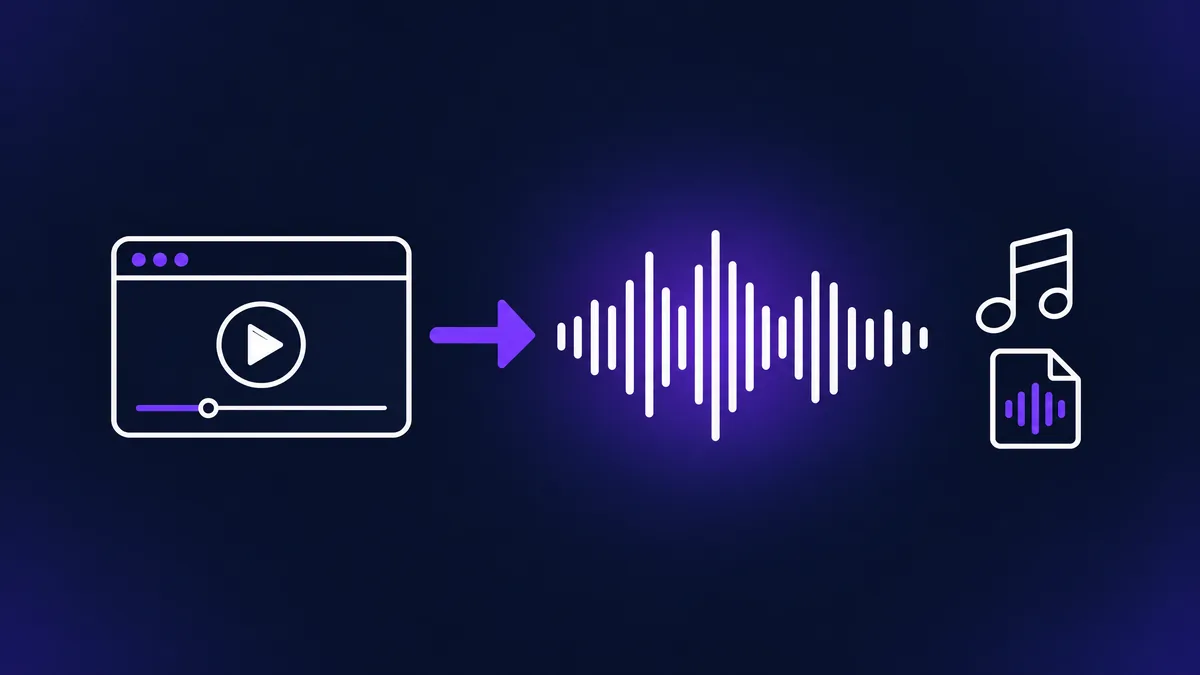
Steps to save audio
An Instagram Audio Downloader is a tool that saves the sound of a public Reel or video as an audio file, without the picture. It is useful when the audio itself is what you want to keep — a voice-over, a song snippet, a quote.
Paste the link and JazzGhost reads the video stream, extracts its audio track and converts it to a standard MP3. The result is a single audio file that plays in any music player, editor or messaging app, with no video and no watermark.
How to use the tool
The audio is pulled from the video on our server and converted to MP3, so nothing is installed on your device. Three steps and you have the sound on its own.
- 1
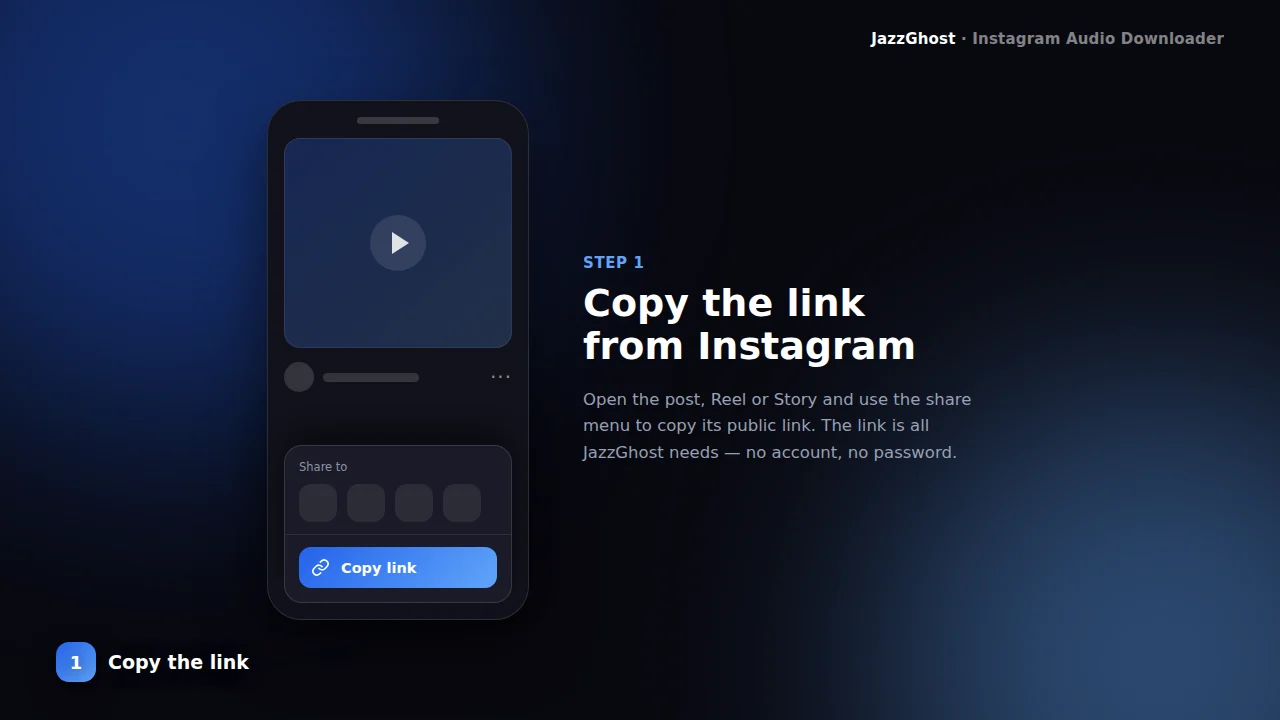
Copy the Reel or video link
Open Instagram, open the Reel or video, tap Share → Copy Link. The post must be public for the audio to be readable.
- 2
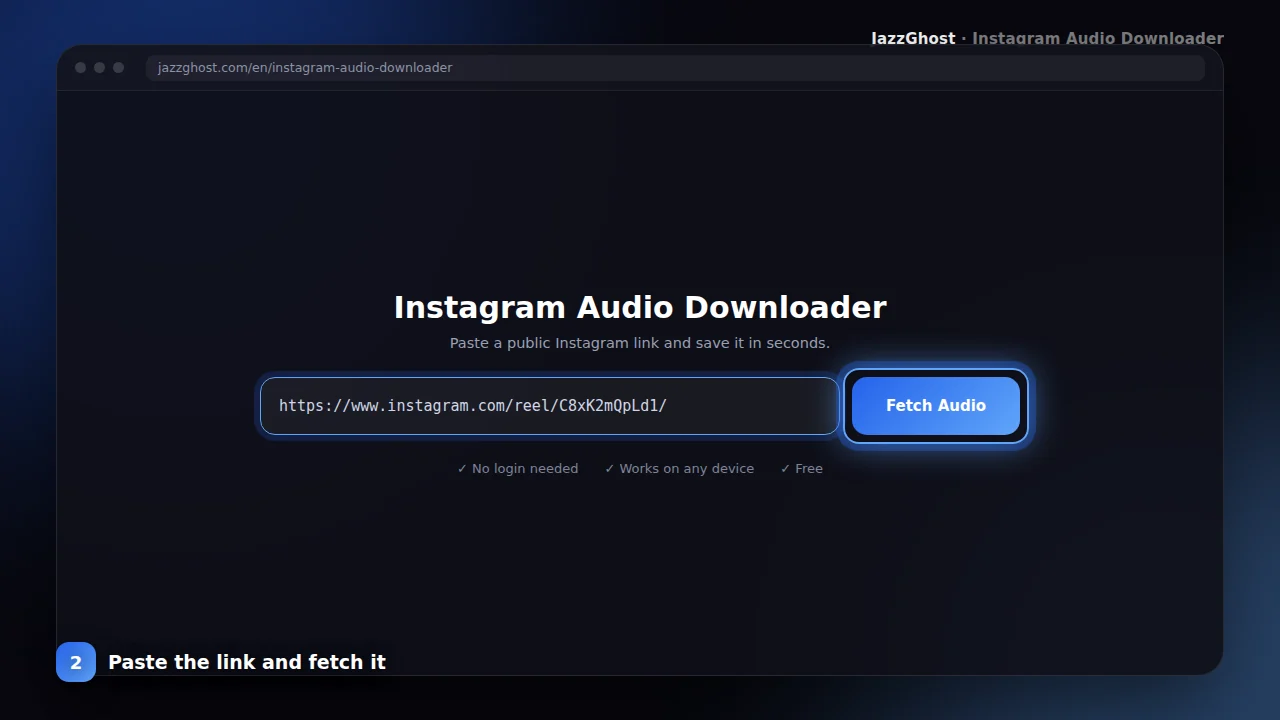
Paste it and fetch the audio
Paste the link above and tap Fetch Audio. JazzGhost checks the post and prepares the sound track for you.
- 3
Save the MP3
Tap Download to save the audio as an MP3 file. It plays in any music app and works offline.

Supported audio formats
Save Reel audio as MP3
- 1Open the Reel and tap Share → Copy Link.
- 2Paste the link into JazzGhost and tap Fetch Audio.
- 3Tap Download Audio and the MP3 is saved to your device.
Save the sound from a video post
- 1Copy the link to a public video post.
- 2Paste it in and fetch the audio — the tool reads video posts as well as Reels.
- 3Download the MP3. Photo-only posts have no audio track, so they cannot be converted.
Use saved audio in your own edit
- 1Download the MP3 of the sound you want to work with.
- 2Import it into your video editor or music app as an audio track.
- 3Check the rights before publishing — the audio belongs to whoever created it.
Save an audio file on iPhone or Android
- 1Copy the Reel link and open JazzGhost in your mobile browser.
- 2Paste the link and fetch the audio.
- 3Tap Download Audio. The MP3 goes to the Files app on iPhone or to Downloads on Android.
Troubleshooting downloads
Real MP3 output
The sound is converted to a standard MP3 file that plays in every music player, editor and messaging app.
Smaller than the video
Audio-only files are a fraction of the video size, so they download fast and take almost no storage.
No app to install
Everything runs in your browser on iPhone, Android, Windows and Mac. Nothing is installed on your device.
Original quality
We convert the best audio stream Instagram offers, so the sound stays as close to the original as possible.
What you cannot download
The audio has to exist in a video Instagram will serve to us, which rules out a few cases:
- Audio from private accounts, whose videos are visible only to approved followers.
- Audio from a photo post. A still image carries no audio track to extract.
- Audio Instagram has removed or muted after a rights complaint.
- Separating an original song from the sound effects added over it. They arrive as one mixed track and cannot be split afterwards.
Downloader, app, or browser extension?
Turning a video into an MP3 is the step the other options usually leave out:
| Option | Verdict | Detail |
|---|---|---|
| JazzGhost (browser downloader) | Real MP3 output | Extracts the audio on our server and returns a standard MP3. Free, no account, nothing installed on your device. |
| Instagram's own app | No audio export | You can save a Reel as a draft, but the app gives you no way to export the sound on its own. |
| Browser extension | Video only, usually | Most extensions save the video file itself; turning that into an MP3 still needs a separate audio tool. |
Extracts the audio on our server and returns a standard MP3. Free, no account, nothing installed on your device.
You can save a Reel as a draft, but the app gives you no way to export the sound on its own.
Most extensions save the video file itself; turning that into an MP3 still needs a separate audio tool.
Terms and limitations
JazzGhost never asks for your Instagram login and never uses your account. The video is read by our server, so the creator sees no visit from your profile.
Only public Reels and videos can be read. Private accounts are out of reach, and the audio you extract is not kept on our side.
Privacy and data use
Sometimes the sound is the whole point. A Reel’s original audio, a voice-over, a song snippet, a quote you want to reuse — the Instagram Audio Downloader turns a public Reel or video into a clean MP3 file you can keep.
Paste the link, and our server pulls the video stream and converts its audio track to MP3. You get a single audio file — no video, no watermark, and no extra software on your phone or computer.
The tool only works with public posts. Private accounts and restricted media cannot be read, and we never ask you to sign in with your Instagram account.
Instagram audio downloader FAQ
Which Instagram links can I use?
Any public Reel, video post or IGTV link. Photo-only posts have no audio track, so they cannot be converted.
Can I download audio from a private account?
No. Only public posts can be read. Private accounts and restricted media are not accessible.
What format is the audio saved in?
A standard MP3 file. It opens in any music player, video editor or messaging app without extra codecs.
Do I need to install anything?
No. The conversion happens on our server, so you only need a browser and a public link.
What format is the audio saved in?
A standard MP3 file. It opens in any music player, video editor or messaging app without extra codecs.
Do I need to install anything?
No. The conversion happens on our server, so you only need a browser and a public link. Nothing is installed on your phone or computer.
Why is the audio file smaller than the video?
Because it contains only sound. An audio-only file is a fraction of the size of the video it came from, so it downloads faster and takes almost no storage.
Can I use the audio in my own video?
Only if you have the right to. The audio belongs to whoever created it, so check the permissions before you publish anything that uses it.